
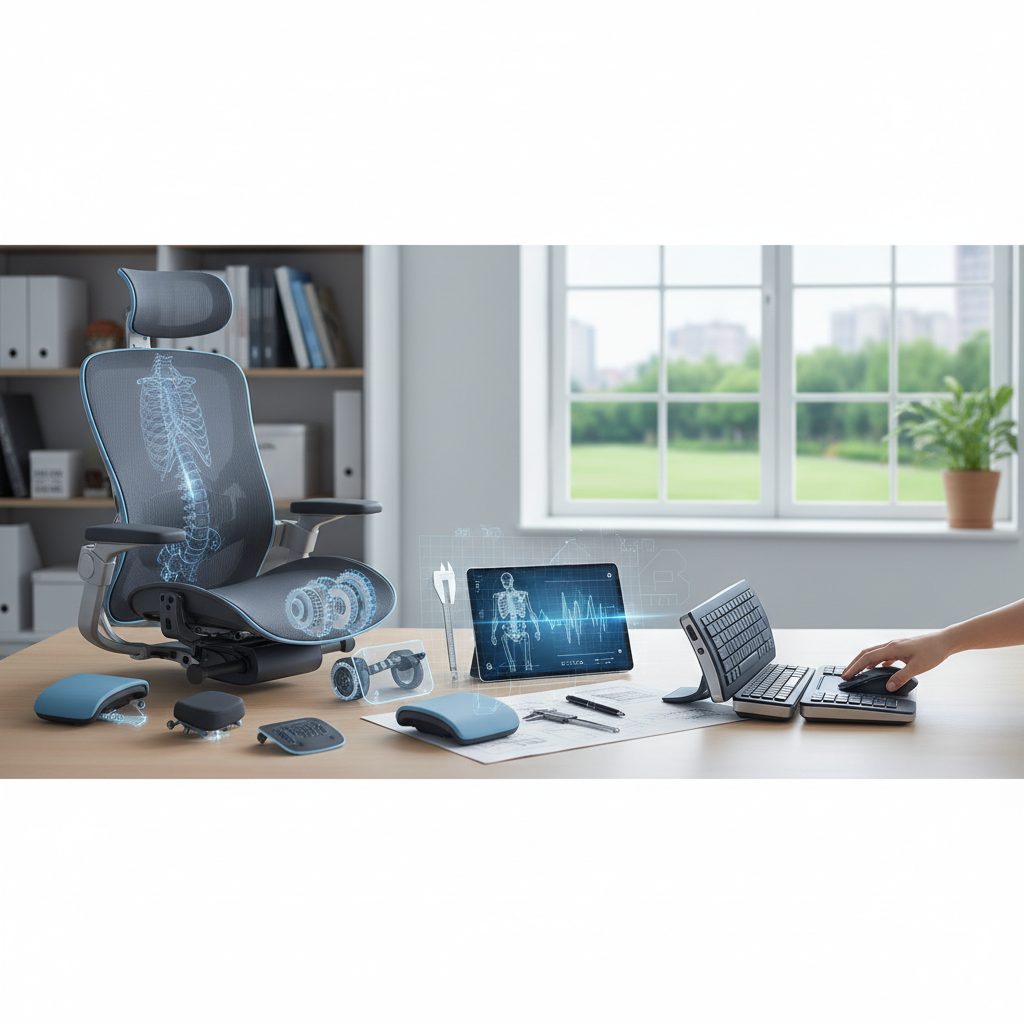
The Science of Buying Ergonomic Gear That Actually Prevents Injury (Not Just Marketing Fluff)
The Science of Buying Ergonomic Gear That Actually Prevents Injury (Not Just Marketing Fluff)
As someone who's spent years in sports medicine and physical therapy, I've seen countless people invest hundreds—sometimes thousands—of dollars in "ergonomic" products that promise to solve their pain problems. The reality? Most ergonomic marketing is built on assumptions rather than evidence.
But here's what most people don't realize: when you understand the actual biomechanics behind common workplace injuries, you can make smart buying decisions that genuinely protect your body. Let me show you how to cut through the marketing noise and invest in gear that's backed by real science.
Why Most "Ergonomic" Products Miss the Mark
The ergonomic industry has a dirty secret: many products are designed around theoretical comfort rather than injury prevention. I've evaluated countless patients who bought expensive ergonomic chairs, standing desks, and accessories, only to develop the same repetitive strain injuries they were trying to avoid.
The problem lies in a fundamental misunderstanding of how workplace injuries actually develop. Most musculoskeletal disorders aren't caused by poor posture alone—they're caused by sustained static positions and repetitive movements without adequate recovery time.
The Real Culprits Behind Workplace Injuries
- Static loading: Holding any position (even a "perfect" one) for extended periods
- Muscle imbalances: Overusing certain muscle groups while others weaken
- Inadequate movement variation: Performing the same motions repeatedly
- Poor tissue recovery: Not allowing stressed tissues time to repair
Evidence-Based Buying Guide for Desk Workers
Office Chairs: What Actually Matters
Forget the marketing about "natural spine curves." Research from the Journal of Biomechanics shows that the key factors for injury prevention are:
Essential Features:
- Seat depth adjustment: Your seat should allow 2-3 fingers width between the seat edge and back of your knees
- Armrest adjustability: Arms should support your forearms parallel to the floor
- Easy position changes: Look for smooth adjustment mechanisms you'll actually use
Smart Buying Tip: Test chairs for 15+ minutes if possible. A chair that feels great for 5 minutes might create pressure points during extended use.
Budget Recommendations:
- Under $300: Steelcase Series 1
- $300-600: Herman Miller Sayl
- $600+: Steelcase Leap V2
Monitor Setup: The 20/20/20 Rule Equipment
Eye strain and neck pain often stem from poor monitor positioning. Research from the American Optometric Association supports the 20/20/20 rule, but you need the right equipment to implement it effectively.
Critical Purchases:
- Monitor arm with full adjustment range: Look for arms that adjust height, tilt, swivel, and distance
- Blue light filtering: Choose monitors with built-in blue light reduction or quality screen filters
- Dual monitor setup considerations: Position primary monitor directly in front, secondary at 15-20 degree angle
The Science: Studies show that monitors positioned 20-26 inches away at eye level reduce cervical spine stress by up to 40% compared to laptop screens.
Keyboard and Mouse: Preventing Repetitive Strain
Carpal tunnel syndrome and tendonitis are epidemic among desk workers, but the right tools can significantly reduce risk.
Keyboard Features That Matter:
- Low activation force: Look for keys requiring less than 60g of force
- Minimal key travel: Reduces finger extension stress
- Split or curved design: Only if you're willing to invest time in adaptation
Mouse Considerations:
- Proper sizing: Mouse should fit your hand without forcing finger extension
- Weight balance: Heavier mice (100-120g) often reduce micro-movements
- Vertical mice: Beneficial for existing wrist pain, but require adjustment period
Smart Buying for Active Professionals
Standing Desks: Separating Science from Hype
Standing desks aren't magic bullets. Research from the University of Waterloo shows that standing for more than 2 hours continuously can actually increase lower back pain.
What Works:
- Sit-stand converters: Allow position changes throughout the day
- Anti-fatigue mats: Choose mats with 3/4" thickness and beveled edges
- Footrest integration: Essential for maintaining proper hip alignment
Implementation Strategy: Start with 15-20 minute standing intervals, gradually increasing. The goal is movement variation, not standing marathons.
Exercise Equipment for Desk Warriors
Your workspace should encourage micro-movements and combat the negative effects of prolonged sitting.
Evidence-Based Additions:
- Resistance bands: Keep a set for 2-minute movement breaks
- Balance boards: Use during standing intervals to engage core stabilizers
- Foam roller (compact): Target hip flexors and thoracic spine during breaks
Budget-Conscious Injury Prevention
You don't need to spend thousands to create an injury-preventive workspace. Here's how to prioritize your investments:
High-Impact, Low-Cost Changes
- Monitor riser: $30-50 for proper screen height
- Document holder: $20-30 to reduce neck rotation
- Footrest: $40-60 for proper hip angle
- Wrist rest: $15-25 for keyboard support (not mouse use)
The 80/20 Rule for Ergonomic Spending
80% of injury prevention benefits come from:
- Proper monitor height (20%)
- Adequate back support (20%)
- Regular position changes (40%)
Focus your budget on tools that facilitate these three factors before investing in premium accessories.
Red Flags: Products to Avoid
Based on clinical experience and research, avoid products that:
- Promise to "fix posture" permanently
- Claim to eliminate all workplace discomfort
- Lock you into single positions
- Lack adjustment mechanisms
- Haven't been tested on real users
Making Your Purchase Decision
Before buying any ergonomic product, ask yourself:
- Does this facilitate movement and position changes?
- Is it adjustable to my specific measurements?
- Will I realistically use all the features?
- Does the price align with evidence-based benefits?
Key Takeaways
Smart ergonomic buying isn't about finding the perfect products—it's about creating a system that encourages movement, supports your body's natural mechanics, and fits your actual work habits.
Remember: the most expensive ergonomic setup won't prevent injury if you're still sitting motionless for 8 hours. Invest in tools that make it easy to change positions frequently, and you'll get far better results than any single "perfect" product can provide.
Start with the basics—proper monitor height, adequate back support, and position variation tools—then build from there based on your specific needs and budget. Your future self will thank you for the thoughtful investment.